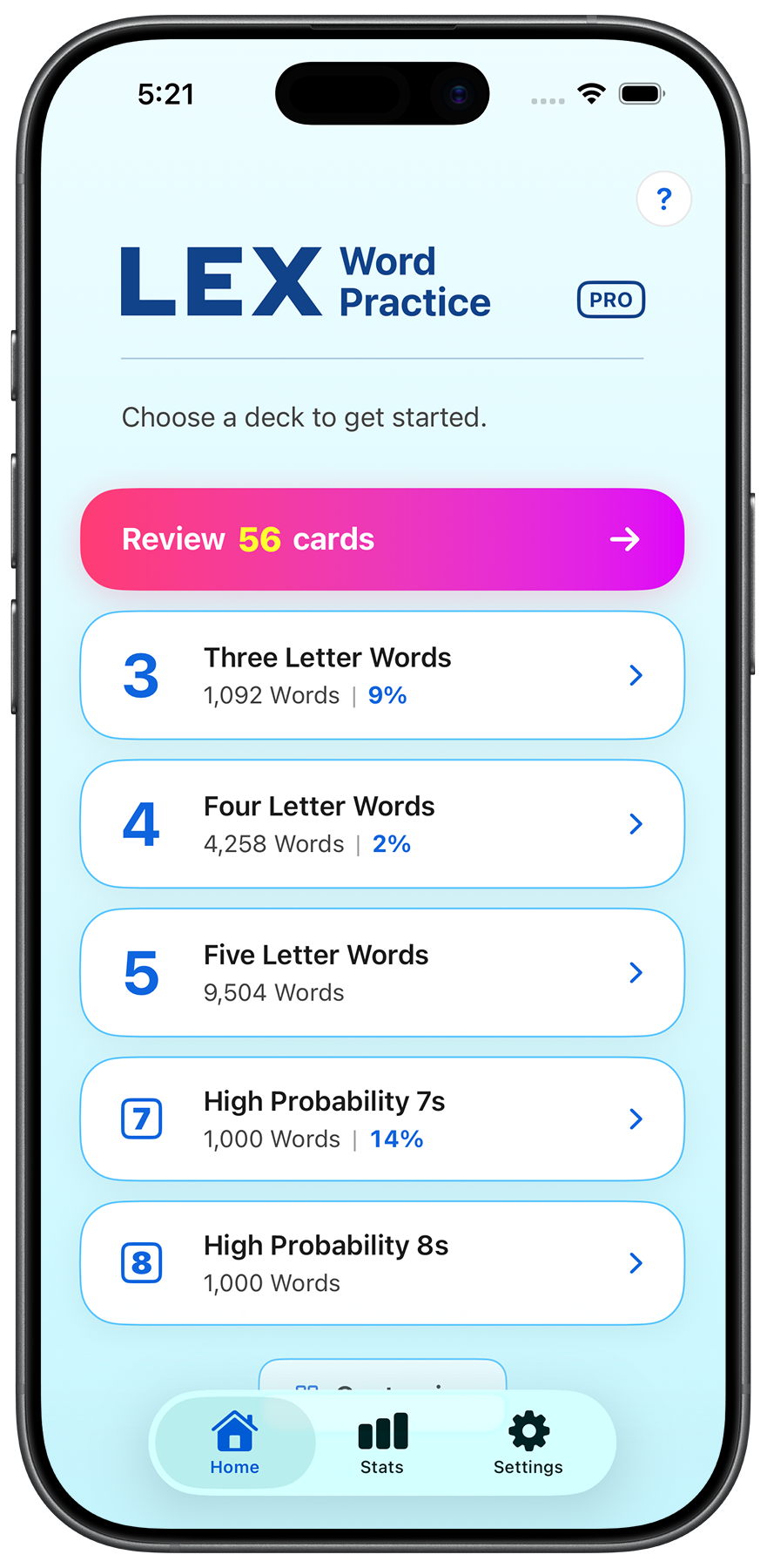
A spaced-repetition word study app for iOS.
LEX Word Practice helps you build and maintain your competitive word list using a spaced-repetition system tuned for tile-based word games. The app ships with the WOW24 lexicon and supports customizable decks, filters, and review schedules.
Need help, have a feature request, or found a bug? Email [email protected] and you'll usually get a reply within a few days.
Each word you study is scheduled for review based on how confident you were when you last answered. Words you find easy come back less often; words you struggle with come back sooner. This optimizes the time you spend studying.
Yes — if iCloud is enabled on your devices and you're signed in with the same Apple ID, your progress, decks, and settings sync automatically through your private iCloud account. The app never sees your data on a server.
Subscriptions are managed by Apple. Open the Settings app on your iPhone or iPad, tap your name at the top, then tap Subscriptions. Find LEX Word Practice and tap Cancel Subscription. Cancellations take effect at the end of the current billing period.
Yes. Open the app, go to Settings, and tap Restore Purchases. Make sure you're signed into the same Apple ID you used to buy the subscription.
LEX Word Practice doesn't keep your data on any servers — everything is stored locally on your device and (if enabled) in your private iCloud. To delete it: uninstall the app, then go to Settings → [Your Name] → iCloud → Manage Account Storage and remove LEX Word Practice's data.
Email [email protected] — every message gets read.
LEX Word Practice offers an optional PRO subscription that unlocks additional features. Subscriptions auto-renew unless canceled at least 24 hours before the end of the current period. Payment is charged to your Apple ID. You can manage or cancel anytime in your device's Settings → [Your Name] → Subscriptions. Full subscription terms are in our Terms of Service.